Client Portal — Service
A client portal that answers "where are we at?" before anyone asks
Every "where are we at?" email is time you didn't plan to spend. A client portal replaces that back-and-forth with a live view of their project — a place to approve work, share files, and pay invoices, no email required.
Founder-led. PMP, PhD, and 25 years of ERP and SAP delivery.

The Problem
Your client communication lives across email, WhatsApp, phone calls, and shared drives. No one has a single source of truth. Clients feel out of the loop and send status requests. Your team spends time writing updates instead of doing the work. Approvals get lost in inboxes.
The Solution
A branded client portal where every project has a live status page, every document has a home, every approval has a one-click button, and every invoice can be paid on the spot. The status emails stop, because the status page already has it.
What's included
A portal your clients actually use — because it's faster and clearer than email.
Client updates
Approvals
Progress tracking
Billing and payments
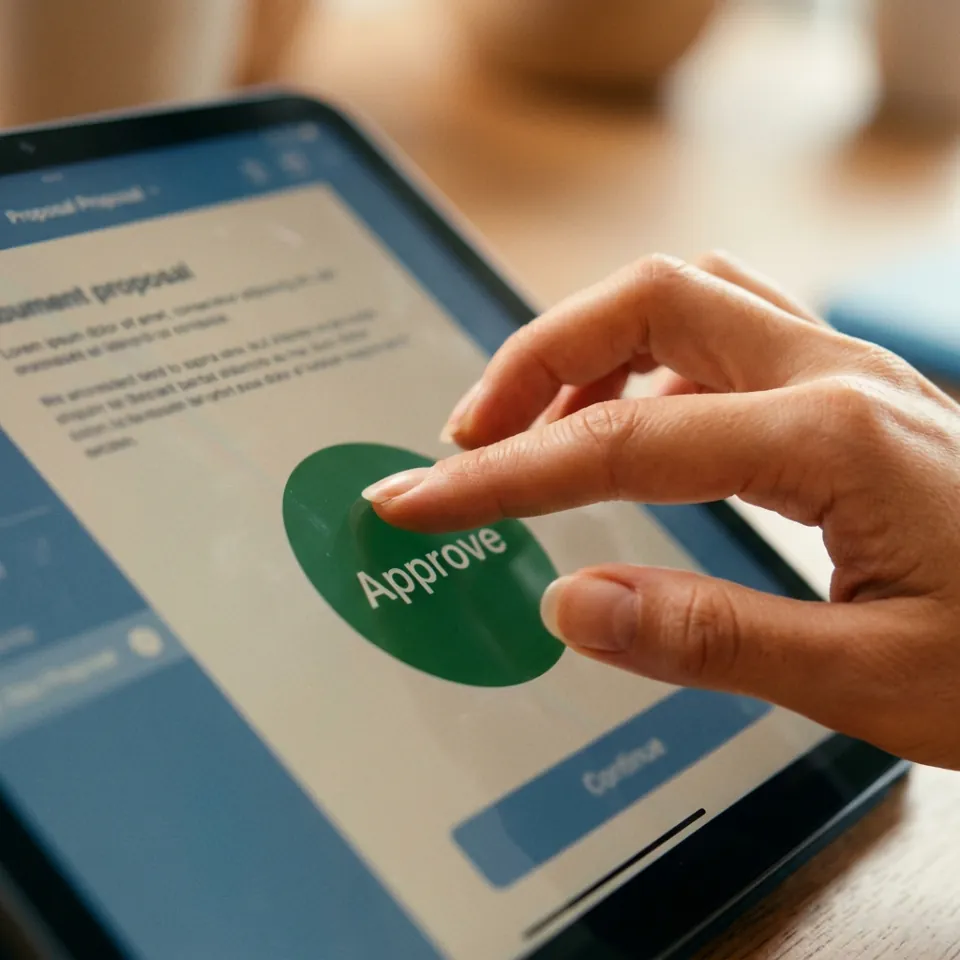
One tap. No email chain. No PDF attached to a reply-all.
When a client can approve work, sign a contract, and pay a deposit in one sitting, without printing anything, the relationship changes. They feel like they're working with a firm that has its operations together.
Our clients stopped emailing 'where are we at?'. That alone paid for the portal.
OwnerResidential Services
Client feedback, shared with permission and anonymized at their request.
How it works
Workflow audit (1 week)
We document how you currently communicate with clients — what you send, when you send it, what they ask for most. This defines the structure of the portal and what gets automated.
Portal configuration (1–2 weeks)
We configure the portal with your branding, set up project templates, connect your invoicing and e-signature tools, and structure the client-facing views around your service delivery model.
Automation setup (1–2 weeks)
We build the automations — milestone notifications, approval request triggers, invoice delivery, and overdue payment reminders — so the portal runs without manual management.
Onboarding and launch (1 week)
We help you migrate active clients into the portal, provide a client-facing guide, and train your team on the admin side. You leave with a system that's live and running.
Questions we get before every engagement
Fewer status emails, faster approvals
Bring the list of questions your clients email you about most. The workflow audit turns that list into the portal's structure, before anything is configured.
Plan a portal